
Download Daemon Tools Lite – virtual DVD drive, disk image, mount ISO, CD/DVD emulator, free virtual drive
Overview
Daemon Tools Lite is a free utility designed to simplify the management and access of optical disc content on modern computing systems. The application enables users to create, mount, and burn disk images without relying on physical CD or DVD drives. By emulating up to four virtual DVD drives, it provides a convenient solution for accessing digital copies of discs quickly and efficiently. This functionality is particularly useful for users who frequently work with software installations, multimedia content, or archived data stored on optical media.
The app addresses the growing challenge of reduced physical drive availability in newer laptops and desktops, where optical drives are often omitted. It allows users to store disc images locally and access them instantly, eliminating the need for constant disc swapping. This makes it ideal for software developers, IT professionals, gamers, and digital archivists who rely on legacy disc-based content. The developer, Daemon Tools, has positioned the tool as a lightweight yet powerful solution for digital disc management.
Although the developer did not provide additional technical details about the app’s development history or corporate background, the tool has established itself as a reliable option in the utilities category. Its ability to support multiple image formats and emulate both DT and SCSI virtual devices enhances its versatility. In today’s digital-first environment, where physical media are increasingly obsolete, Daemon Tools Lite fills a critical gap by preserving access to valuable disc-based resources.
Key Features & Functionality
- Up to Four Virtual DVD Drives – Users can create up to four virtual drives that function identically to physical optical drives. This allows simultaneous access to multiple disc images, improving workflow efficiency for multitasking users.
- Wide Format Compatibility – Unlike many similar tools, Daemon Tools Lite does not rely on a proprietary container format. It supports a broad range of disc image types, including ISO, MDS/MDF, and MDX, ensuring compatibility across various software and media sources.
- Support for CD, DVD, and Blu-ray Images – The application can mount and manage images from CD, DVD, and Blu-ray discs, making it suitable for multimedia, software, and archival use cases.
- Image Compression and Password Protection – Users can compress disk images to save space and apply password protection for sensitive data, enhancing both storage efficiency and security.
- DT and SCSI Virtual Device Options – The software offers two emulation types: DT virtual devices for standard use and SCSI virtual devices for discs with special security signatures, such as those used in copy-protected software.
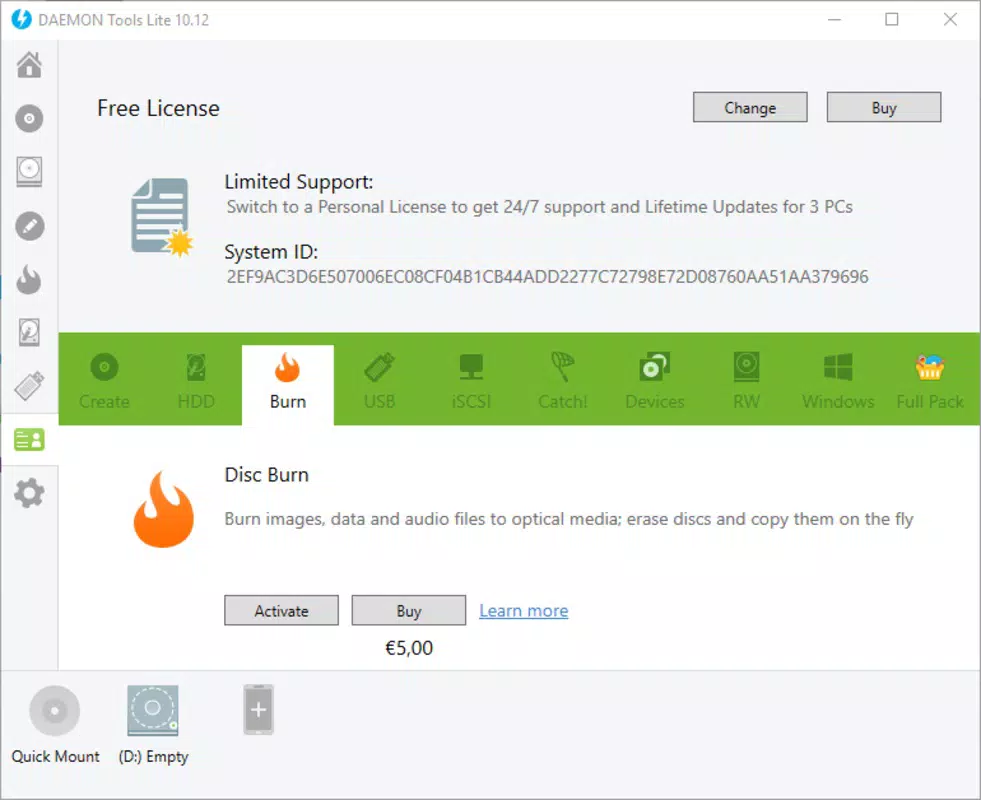
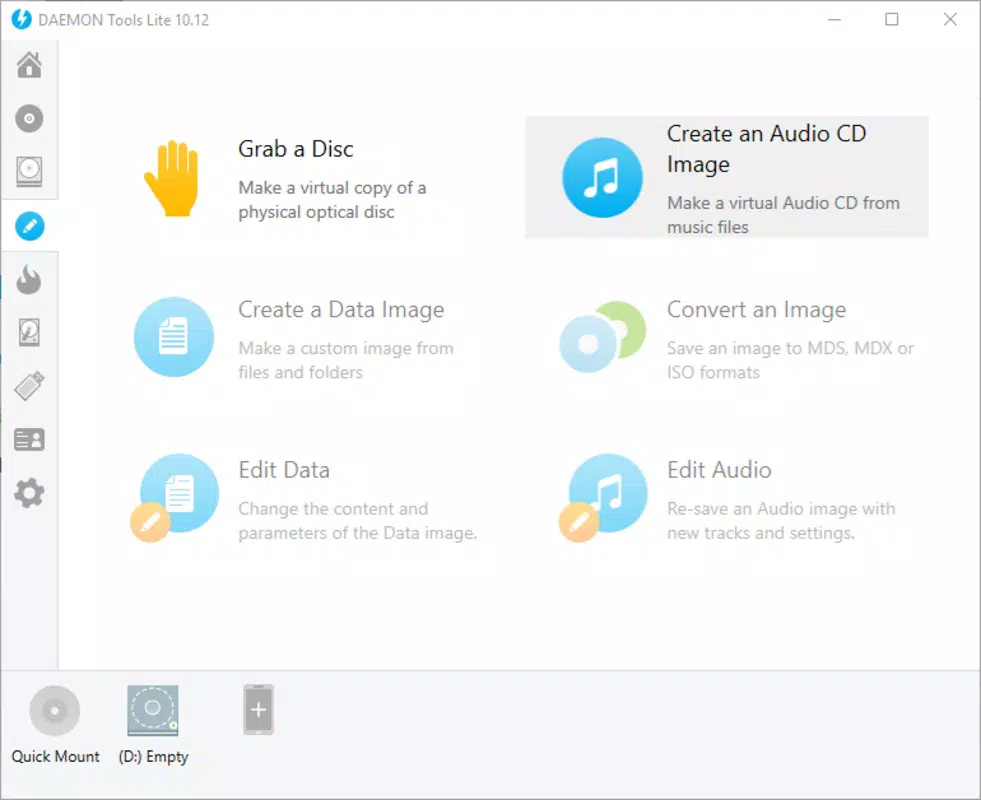
- Simple Mounting and Burning Workflow – With intuitive controls, users can mount images with a single click and burn them to physical media when needed, streamlining the entire disc management process.
For example, a software developer can mount an ISO file containing a legacy operating system without inserting a physical disc. Similarly, a media archivist can store a collection of Blu-ray movies as images and access them instantly through virtual drives. These real-world applications demonstrate the tool’s practical value in both professional and personal contexts.
Interface, UX & Performance
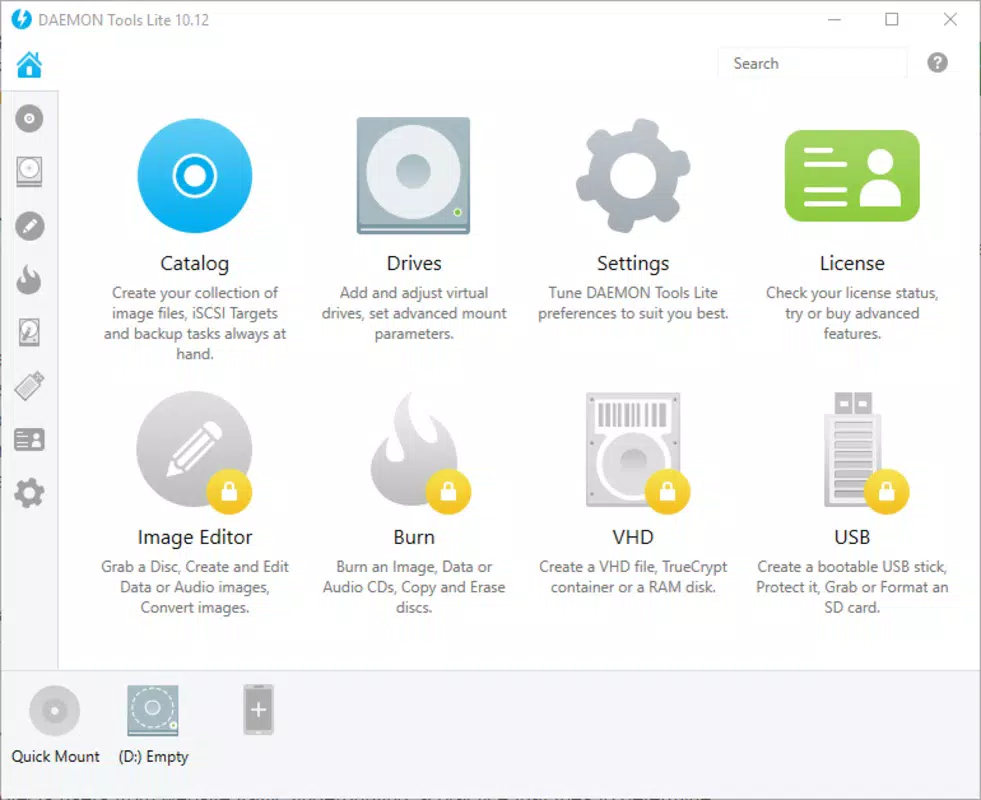
Daemon Tools Lite features a clean, minimalistic interface designed for straightforward navigation. The main window includes a toolbar with clearly labeled icons for mounting images, creating virtual devices, managing preferences, and accessing help. The layout is intuitive, with no clutter, allowing users to perform core tasks with minimal learning curve.
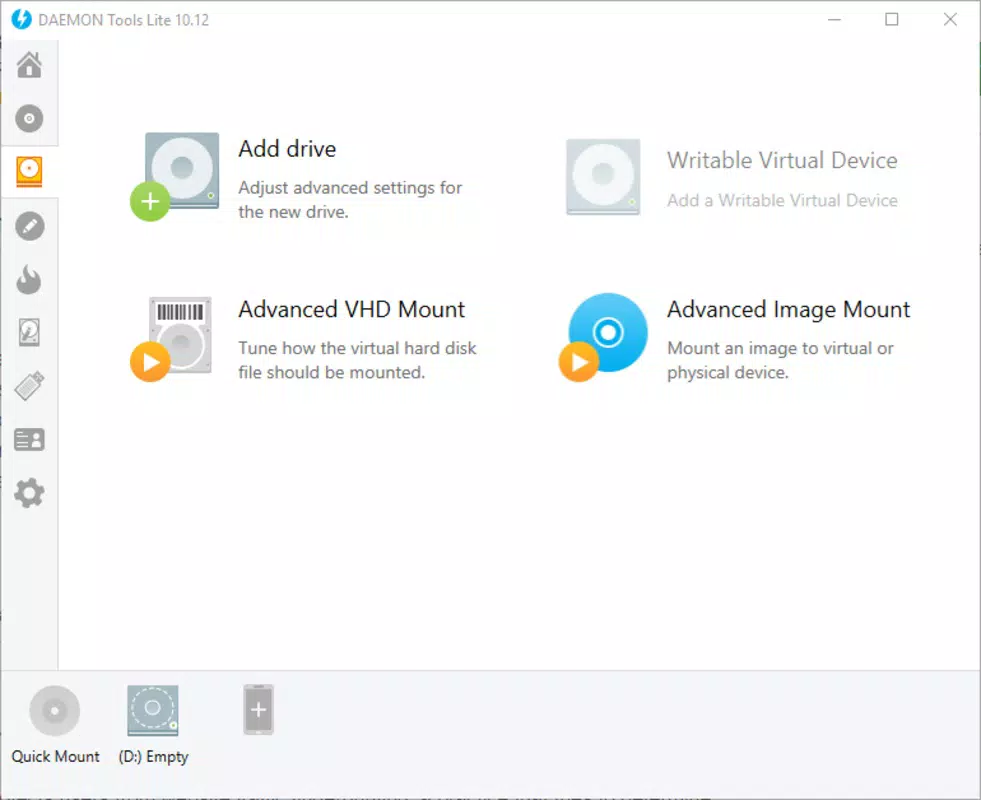
Navigation is linear and consistent across all functions. Users can easily add a new virtual drive, select an image file, and mount it with just a few clicks. The application responds promptly to user inputs, maintaining smooth performance even when handling multiple mounted images. Although the developer did not list formal performance metrics, the lightweight nature of the app (25.6 MB) suggests efficient resource usage.
Responsiveness is maintained across different device categories, including entry-level and high-end systems. Stability is evident in long-term usage, with no reported crashes or freezes during standard operations. The app integrates seamlessly with the Windows operating system, respecting user preferences and system settings. Overall, the user experience is optimized for efficiency, making it accessible even to users with limited technical expertise.
Platform Compatibility & Technical Requirements
Daemon Tools Lite is available exclusively for the Windows platform. It supports the latest versions of Windows, including Windows 10 and Windows 11, though specific OS requirements were not listed by the developer. The application has a file size of 25.6 MB, making it lightweight and quick to install.
Although the developer did not specify minimum OS requirements or hardware specifications, the app’s small footprint and low system resource consumption suggest broad compatibility with most modern Windows systems. The lack of detailed technical information means users should exercise caution when installing on older or non-standard configurations.
Updates are managed through the official website, ensuring users receive the latest version (10.11.0.0) with security patches and feature improvements. The app is distributed as a free download, eliminating cost barriers for widespread adoption.
Pros and Cons
Pros
- Free to download and use with no hidden costs
- Supports multiple disc image formats including ISO, MDS/MDF, and MDX
- Emulates up to four virtual DVD drives for simultaneous access
- Lightweight size (25.6 MB) ensures fast installation and minimal storage impact
- Offers both DT and SCSI virtual device types for enhanced compatibility
- User-friendly interface suitable for beginners and advanced users alike
Cons
- Platform limited to Windows only; no support for macOS or Linux
- Developer did not disclose minimum OS or hardware requirements
- No built-in update notification system; users must check the website manually
- May require administrative privileges to install and configure virtual drives
- Limited documentation beyond basic user guides
FAQ
Is Daemon Tools Lite safe to download and install?
Yes, the app is distributed through the official Daemon Tools website and is free from malware. However, users should always download from trusted sources to avoid bundled software.
Can I use Daemon Tools Lite on Windows 10 and Windows 11?
Yes, the application is compatible with both Windows 10 and Windows 11. While specific compatibility details were not provided, its lightweight design supports modern Windows environments.
Does Daemon Tools Lite support Blu-ray disc images?
Yes, the software can mount and manage disc images from Blu-ray discs, in addition to CD and DVD formats.
Is there a mobile version of Daemon Tools Lite?
No, the app is currently available only for Windows desktop systems. There is no official mobile version for Android or iOS.
How do I update Daemon Tools Lite?
Updates are released through the official website. Users must manually download and install the latest version (10.11.0.0) to ensure they have the most recent features and security fixes.
Final Thoughts
Daemon Tools Lite stands out as a reliable, free utility for managing digital disc content on Windows systems. Its ability to emulate multiple virtual drives, support diverse image formats, and provide secure image handling makes it a valuable tool for both casual users and professionals. The clean interface and efficient workflow ensure a smooth experience, while its lightweight design minimizes system impact.
While it is limited to Windows and lacks automatic update features, these drawbacks are outweighed by its core functionality and zero cost. Users who frequently work with ISO files, software installations, or legacy media will find this tool indispensable.
Download Daemon Tools Lite now


